

Announcement for Parents/Guardians of SCTC Students:
Starting with the 2026-27 school year, SCTC will be using eSchoolData as our student information system and retiring our former system, ClassMate. We have been working over the summer to get the new system in place and ready for all to use as we approach the school year kickoff. The eSchoolData system will allow parents/guardians to view real-time, important student information through a Parent Portal which you will be able to access through a link on our website.
Please complete this form to register your parent/guardian information. Ensure all information is accurate before submitting.
NOTE: Please complete one form per parent/guardian.
Parents/Guardians of New Students: If you attended New Student Orientation in May 2026, you already provided this information and do not need to complete this form.
Step-by-Step Guide
- Click on the link: Parent/Guardian Information Form – Fill out form
- When you finish entering your information, click the Submit button. You will see the following landing page:
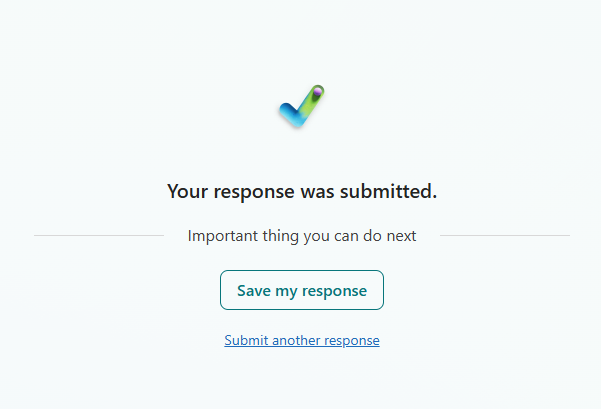
- If you want to save a copy of your form for yourself, click the [Save my response] button.
- If you need to enter additional responses/forms for other parents/guardians, click the Submit another response link.
- If you are finished, you can close your browser tab/window.
When we receive your information, we will load it into the eSchoolData system. You will receive an email (sent to the email address you provide in the form) which will contain your Parent Portal user ID and temporary password.
Link to Parent Portal Login Page: